Outgrown your platform?
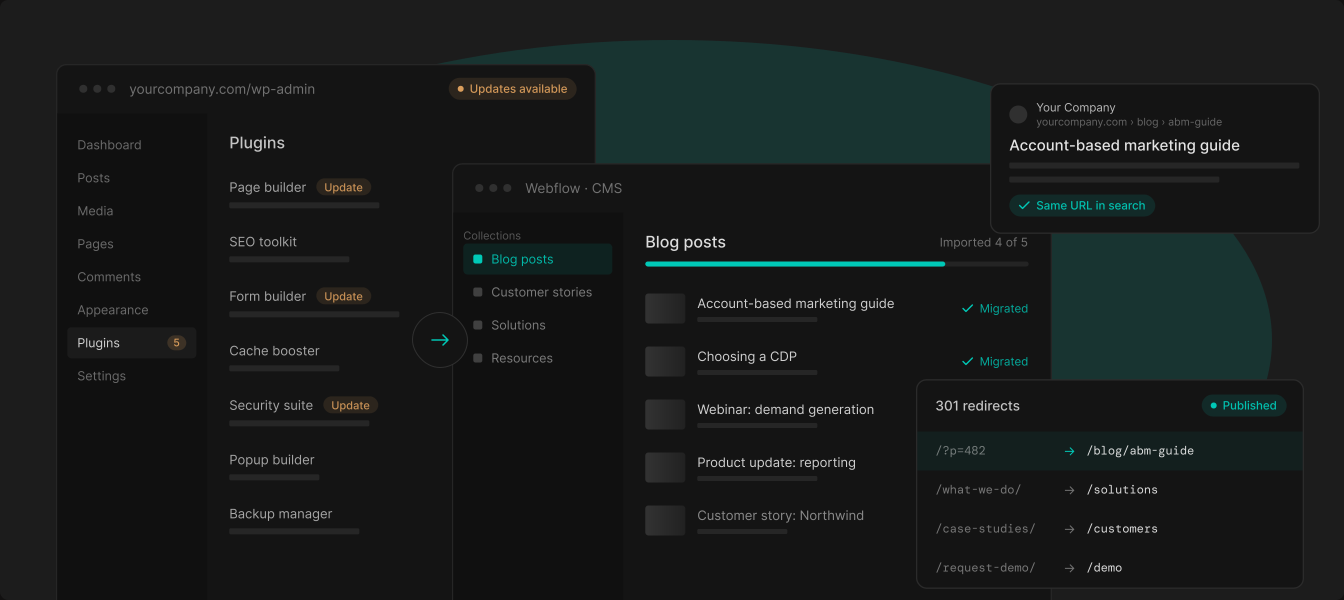
Most B2B websites start life on WordPress or HubSpot. But as the marketing team grows, plugins, templates and developer queues start to slow every campaign down.
Launching a landing page, publishing a case study or updating a product page shouldn’t mean waiting on a developer or worrying about breaking a plugin.
I’ll move your website to Webflow and carry over your content, SEO and integrations, so your team can ship pages without a developer.
Platforms I move from
A move that protects what’s already working
Your content, search rankings and lead flow carried over to a faster website your team can run.
Content carried into the CMS
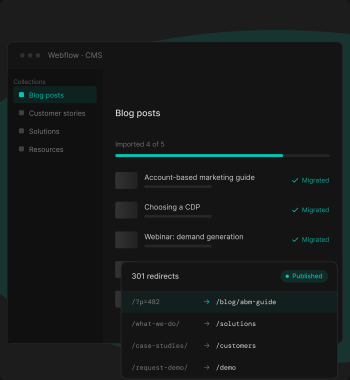
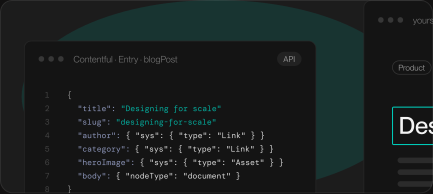
Blog posts, case studies, resources and landing pages moved into Webflow’s CMS, with collections structured around the way your team works.
SEO and redirects protected
Page titles, descriptions and URLs carried over, with 301 redirects mapped from every old page so search engines can follow the move.
Forms and integrations reconnected
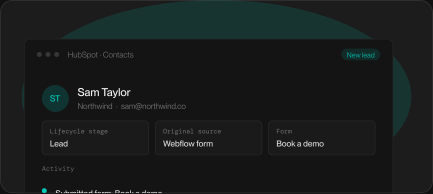
HubSpot or Salesforce forms, analytics, tag manager and tracking set up again so leads keep flowing from day one.
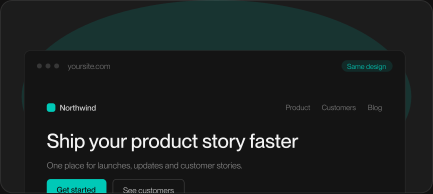
Keep your design or refresh it
Recreate your current look in Webflow or use the move to tidy up the design, with any changes agreed before the build.
How it works
Audit your current website
I’ll review your existing site, list every page and piece of content, and agree what moves across, what changes and what can go.
Rebuild and migrate in Webflow
I’ll recreate the agreed designs, set up the CMS and move your content across, checking each page as I go.
Redirect, launch and hand over
I’ll set up redirects from every old URL, test the site across screen sizes, then launch and show your team how to manage it.
Is this the right fit?
This service is for B2B marketing teams with a website on WordPress, HubSpot CMS or another platform who want to move faster without relying on developers.
- Move off WordPress, HubSpot CMS, Wix or Framer.
- Keep your content, rankings and lead flow.
- Give your team a visual editor for landing pages and everyday updates.
- Stop managing plugins, themes and security patches.
- Publish new content through a proper CMS.
If your site relies on a customer portal or web app behind a login, we’ll talk through what moves to Webflow and what stays where it is.
FAQs
Which platforms can you migrate to Webflow?
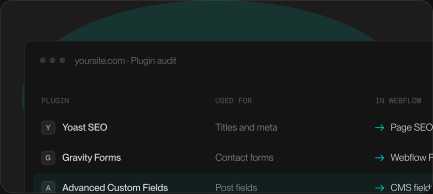
I migrate websites to Webflow from WordPress, HubSpot CMS, Framer and Contentful, as well as Squarespace, Wix and custom-coded sites. If your pages and content can be exported or accessed, they can be moved. Each platform has its own quirks, such as WordPress plugins or HubSpot forms, so the migration plan is shaped around where you’re coming from.
Will migrating to Webflow affect my Google rankings?
A well-planned migration to Webflow shouldn’t cost you rankings. Traffic usually drops when URLs change without redirects, or when page titles, headings and content are lost. I keep URLs the same where possible, carry over all SEO metadata, add 301 redirects for every changed URL and check Google Search Console after launch for crawl errors.
How do you migrate a website to Webflow?
A Webflow migration runs in five stages: audit the current site and content, agree the sitemap and URL plan, build the pages and CMS collections in Webflow, import content and set up redirects, then test and launch on your domain. Content goes into structured CMS collections rather than static pages, so it’s easy to manage afterwards.
How is a Webflow migration priced?
Each migration is quoted as a fixed price based on the number of pages, the volume of content, the integrations involved and whether the design is changing. I audit your current site first, so the quote reflects the actual work, and you’ll have it before anything starts.
Can I keep my existing design when moving to Webflow?
Yes. I can recreate your current design in Webflow so the move is invisible to visitors, or use the migration to refresh it. Layouts are rebuilt as reusable sections rather than copied, so even a like-for-like move ends up cleaner and easier to update. Any design changes are agreed before the build starts.
Can you move blog posts, case studies and resources into Webflow CMS?
Yes. Repeatable content such as blog posts, case studies, resources and team profiles is moved into Webflow CMS collections, with images, authors, categories and SEO fields kept. Each collection gets its own template page, so your team can keep publishing in the same format after launch.
What happens to forms, CRM and tracking when moving to Webflow?
They’re rebuilt and tested before launch. HubSpot and Salesforce forms can be embedded or connected to native Webflow forms, and Google Analytics, Tag Manager and other scripts are added site-wide. I test every form submission end to end so no leads are lost on launch day.
How long does a Webflow migration take?
It depends on the number of pages, how much content is moving and whether the design is changing. A small site with a short blog moves faster than one with hundreds of posts and several content types. You’ll get a timeline with your quote, once I’ve audited the current site.
What happens to hosting and my domain after moving to Webflow?
Hosting is included with a Webflow site plan, on a global CDN with SSL and automatic backups, so you won’t need separate hosting. On launch day I point your domain at Webflow, check SSL is active and confirm redirects are working. Your old hosting can be cancelled once everything is live.
Which Webflow framework do you use?
I build most sites with the Lumos framework, and can use Client-First or Mast if your team prefers. A framework gives the site a consistent system of classes, spacing and responsive styles, which keeps the build organised and makes new pages quicker to add without breaking the layout.
“We launched a new specialist, boutique tax advisory business in March 2025 and Matt created our website. Matt’s service and end product was exceptional, meeting with our design and timing requirements and being highly responsive during the process. Would highly recommend.”
James PilbeamLumentis Partners


