Ready for the next stage?
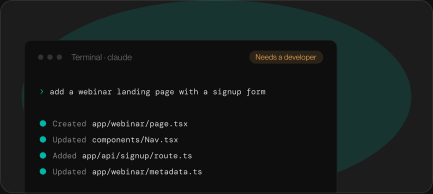
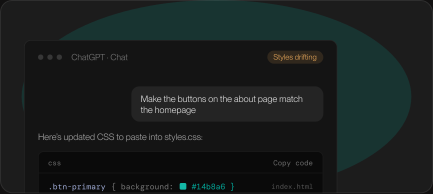
Tools like Lovable, Bolt and Claude make it possible to build a website quickly. But as your business grows, managing a website built from generated code can become a headache.
Publishing new content, updating existing pages and keeping layouts consistent shouldn’t require another prompt or a developer digging through the code.
I’ll rebuild your existing website in Webflow, giving your team the tools to manage and develop it without starting from scratch.
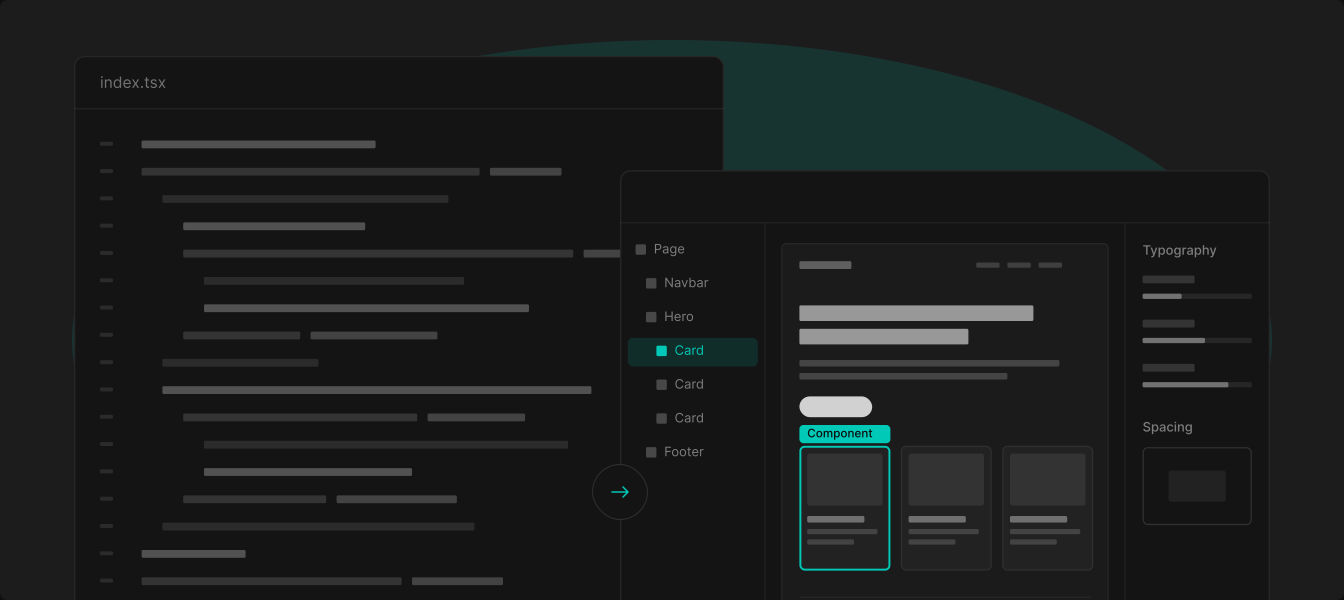
AI tools I rebuild from
Everything your marketing team needs to take control
An accessibility-focused build that is fully SEO optimised and set up for ongoing growth.
A CMS built around your content
Publish blog posts, case studies, team profiles and other content through Webflow’s CMS. I’ll structure your collections and templates around the way your team actually works.
Reusable components, not repeated code
Your buttons, cards, navigation and page sections become reusable Webflow components. Make updates more consistently without having to hunt through the code for every instance.
Edit pages without touching code
Give your marketing team a visual way to update content, manage pages and publish new material. Routine website updates become part of the team’s workflow, rather than another development task.
Keep the website you’ve already built
There’s no need to commission a completely new design. I’ll recreate your existing website in Webflow, preserving the look and feel you’ve invested time in, with any changes agreed before the build.
How it works
Review your existing website
I’ll review your current site, understand how it’s built and identify the pages, content and functionality that need to be carried over.
Rebuild it in Webflow
I’ll recreate the agreed designs, establish a reusable component system and build the CMS structure your team needs.
Check, launch and hand over
I’ll test the site across screen sizes, check the agreed SEO and redirect requirements, help with the launch and show your team how to manage the new website.
Is this the right fit?
This service is designed for startups and marketing teams that have built their website using AI coding tools and want a more manageable way to run it. It’s a good fit if you want to:
- Keep your existing website design.
- Give your marketing team control over everyday updates.
- Publish new content through a proper CMS.
- Reuse components instead of maintaining repeated code.
- Develop your website without relying on AI-generated code for every change.
If your site is a web application with user accounts, dashboards or complex backend functionality, I’ll first assess whether Webflow is the right fit. Some functionality may need to remain outside Webflow.
FAQs
Can you turn a Lovable, Bolt, Claude or ChatGPT website into a Webflow site?
Yes. I rebuild marketing websites made with Lovable, Bolt, Claude, ChatGPT and other AI tools in Webflow. The generated code isn’t converted automatically. I recreate the design as clean Webflow pages, components and CMS collections, so your team gets a site they can edit visually instead of one that needs prompts or code changes.
Why move an AI-built website to Webflow?
AI tools are fast for getting a first version live, but the result is usually code that only a developer or another prompt can change. Webflow gives your team a visual editor, a proper CMS, managed hosting and built-in SEO controls, so routine updates like new pages or blog posts don’t depend on regenerating code.
Can Webflow import code from Lovable or Bolt?
No. Webflow can’t import React or other generated code directly, so an AI-built site has to be rebuilt rather than converted. That’s usually a good thing: the rebuild replaces generated, hard-to-maintain markup with a structured class system, reusable components and CMS collections designed around your content.
Will my site look the same after moving from an AI tool to Webflow?
The aim is to match your existing design closely, including layout, typography, imagery and responsive behaviour, and most designs carry across one-to-one. Some custom animations or app-like features may need adapting to work well in Webflow. I flag these in the initial review and agree any changes before the build.
How is an AI website rebuild priced?
Each rebuild is quoted as a fixed price based on the number of pages, layout complexity, CMS needs and any integrations. I review your current site first so the quote reflects the real scope, and you’ll have it before any work begins.
Can my marketing team update the site without a developer after the rebuild?
Yes. Pages are built from reusable components and repeatable content lives in CMS collections, so your team can edit text and images, publish blog posts and add case studies directly in Webflow. Larger changes, such as new page layouts or new functionality, may still need a designer or developer.
Will moving my AI-built site to Webflow affect SEO?
It usually helps. Sites built with tools like Lovable and Bolt are often single-page React apps that render content with JavaScript and miss basics like unique page titles and meta descriptions. Webflow publishes static HTML with editable SEO fields and an automatic sitemap. I carry over existing URLs and metadata and redirect any URL that changes.
Can you add a CMS to a website built with an AI tool?
Yes. As part of the rebuild I structure repeatable content, such as blog posts, case studies, resources and team profiles, into Webflow CMS collections with their own fields and template pages. Your team can then add new items through a simple editor instead of duplicating pages or editing code.
Can you rebuild an AI-built web app in Webflow?
Webflow is built for marketing websites, not full web applications. If your project relies on user accounts, dashboards, databases or complex backend logic, that part should stay in its existing stack. I rebuild the marketing site in Webflow and link it to the app, so each part runs on the platform that suits it.
How long does it take to rebuild an AI website in Webflow?
It depends on the number of pages, how complex the layouts are and how much content needs to move into the CMS. A small marketing site is quicker than a larger one with several content types and custom interactions. You’ll get a timeline alongside the fixed-price quote.
Which Webflow framework do you use?
I build most sites with the Lumos framework, and can use Client-First or Mast if your team prefers. A framework gives the site a consistent system of classes, spacing and responsive styles, which keeps the build organised and makes new pages quicker to add without breaking the layout.
“We launched a new specialist, boutique tax advisory business in March 2025 and Matt created our website. Matt’s service and end product was exceptional, meeting with our design and timing requirements and being highly responsive during the process. Would highly recommend.”
James PilbeamLumentis Partners


